
Source the whole room. See it before anyone buys.
Bring survey data, product references and room decisions into one structured workflow. Current product details appear only when the source, price and availability have been checked.
Designing your own home?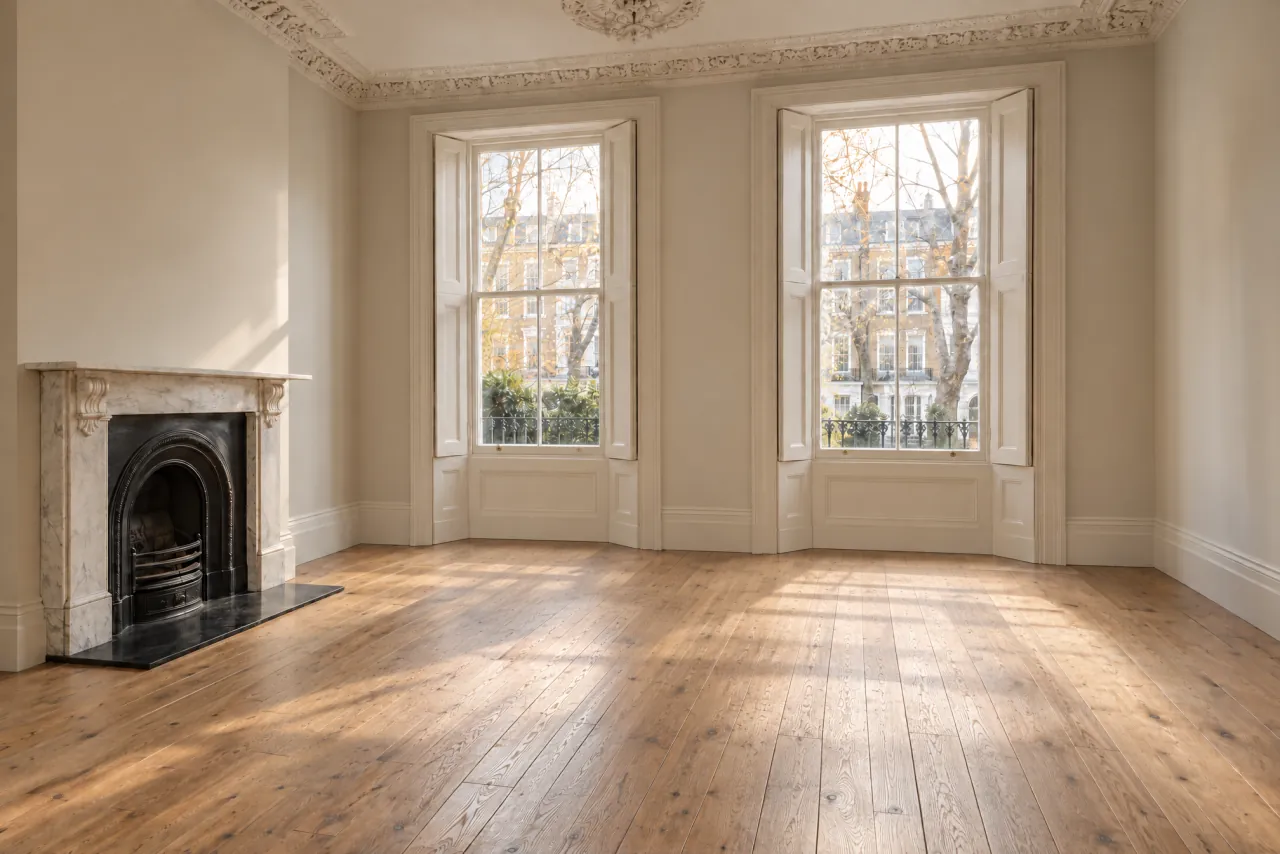




Product preview
Your shopping list
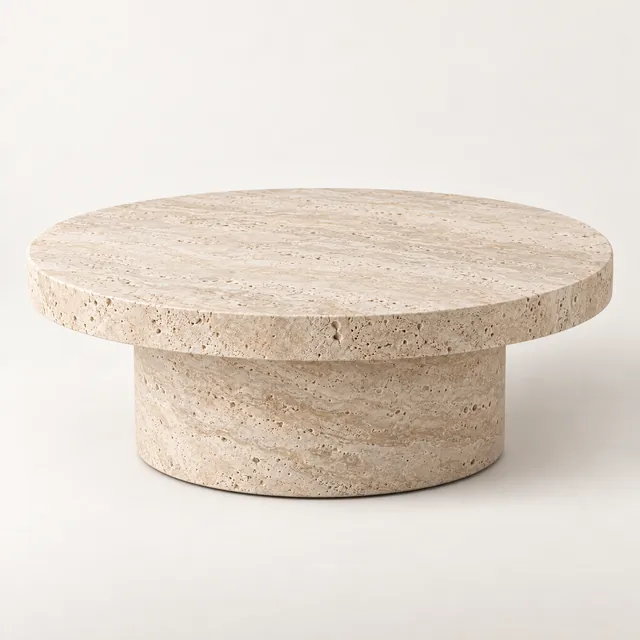
Travertine Coffee Table, Round
West Elm
£1,290
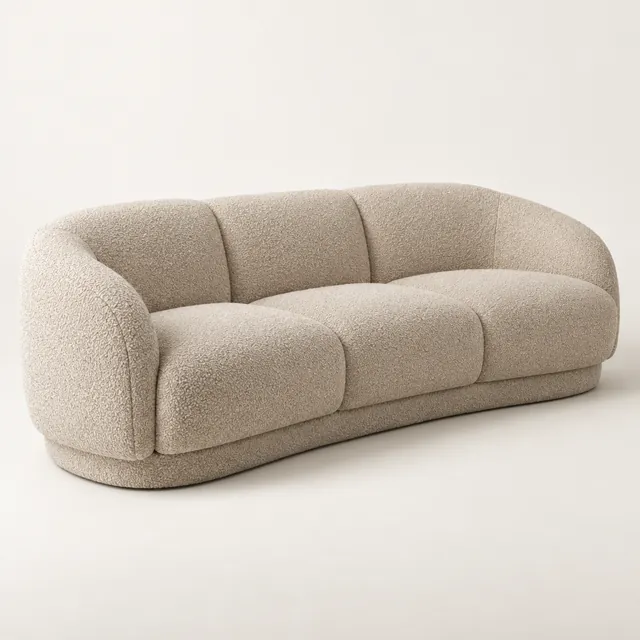
Curved Bouclé Sofa, Oat
Wayfair
£2,890
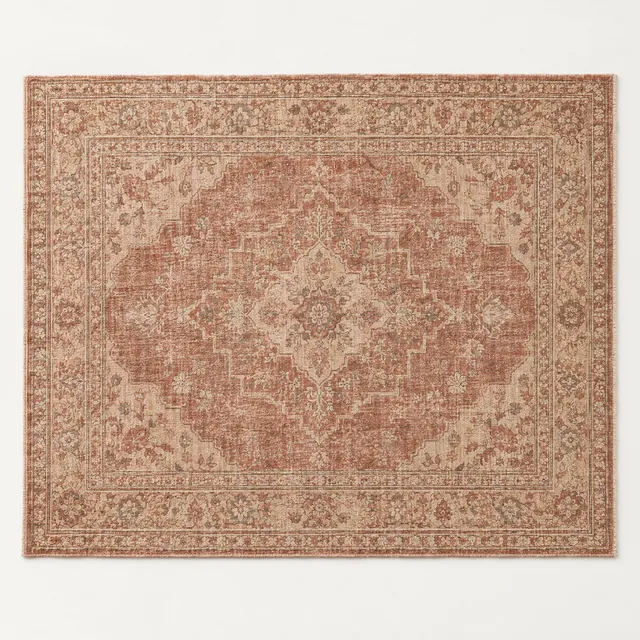
Vintage Persian Rug
Lulu and Georgia
£2,650
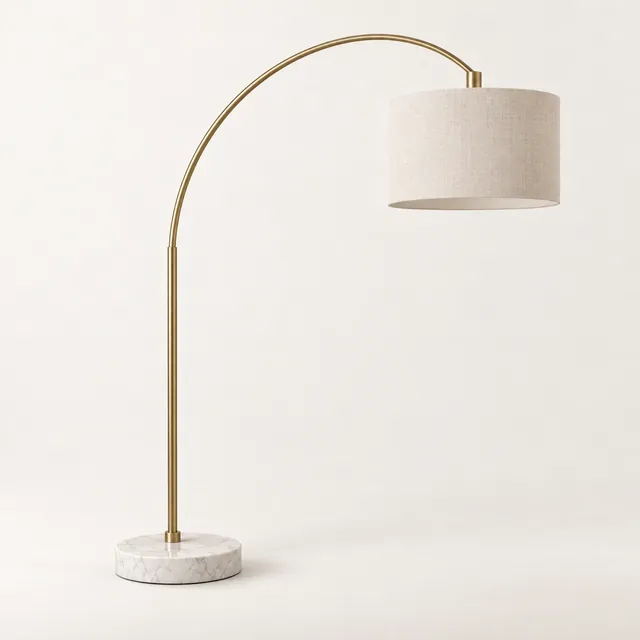
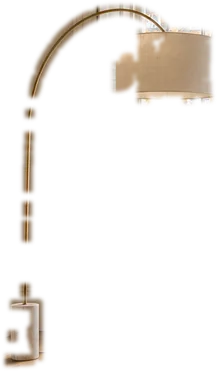
Brass Arc Floor Lamp
Made.com
£460
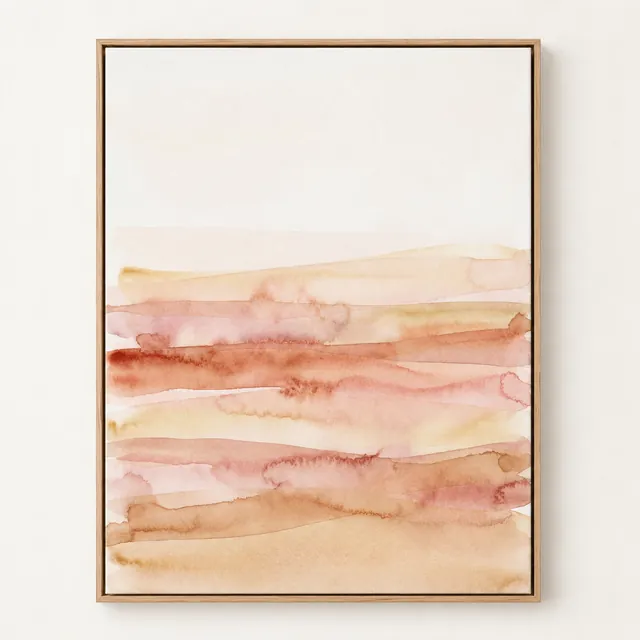
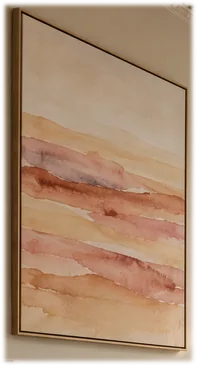
Sienna Field, No. 4
Etsy
£340

Olive Tree, 1.4 m
Anthropologie
£165
Availability not verified
A current retailer source has not been verified.
1 / 6Step 1 of 6:Choose a style
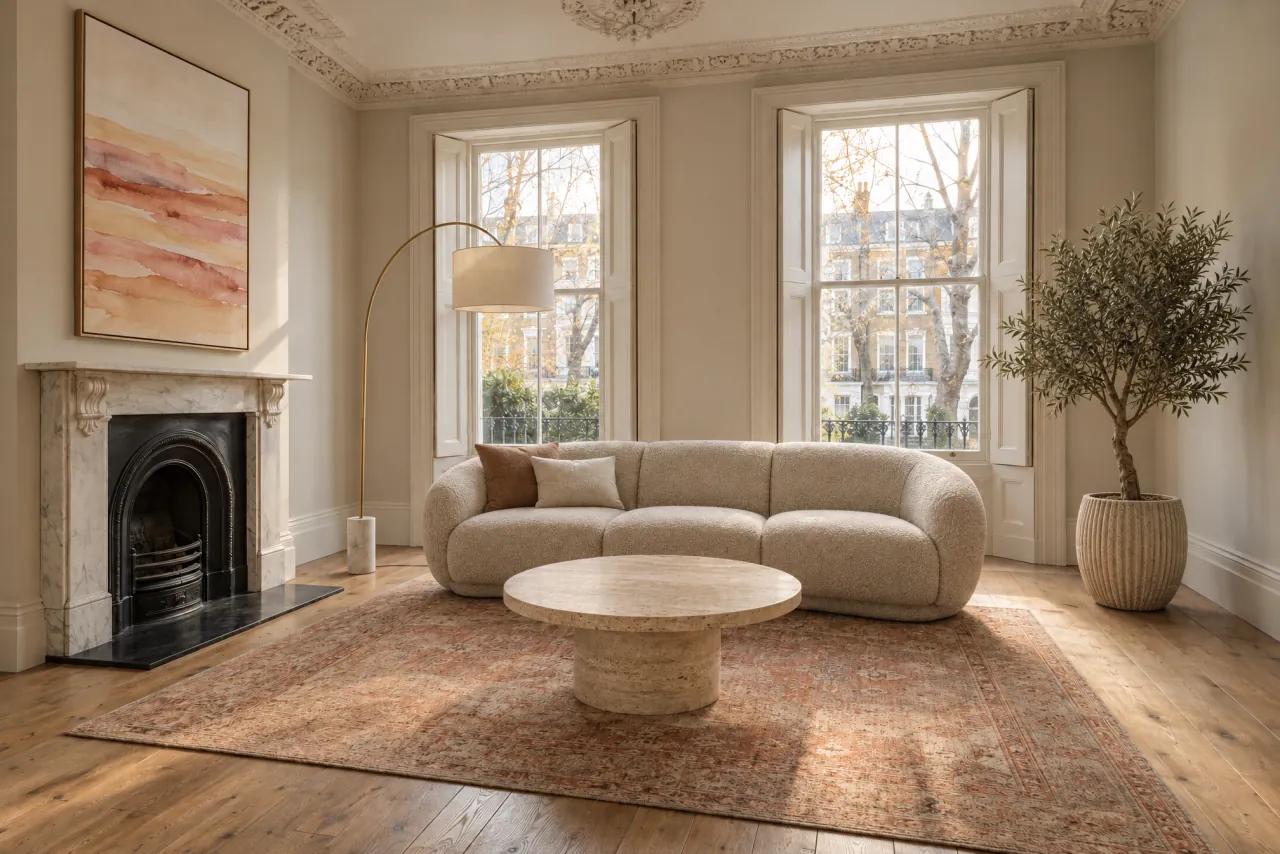
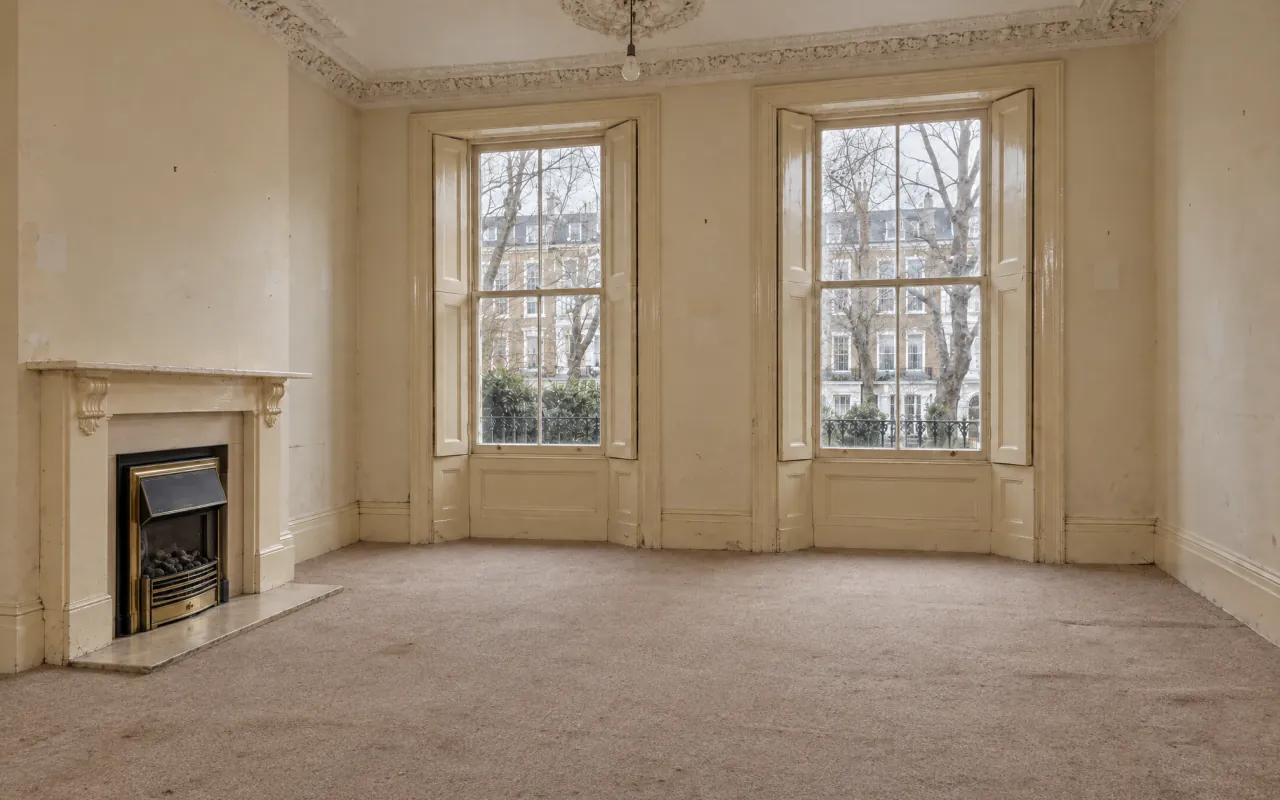
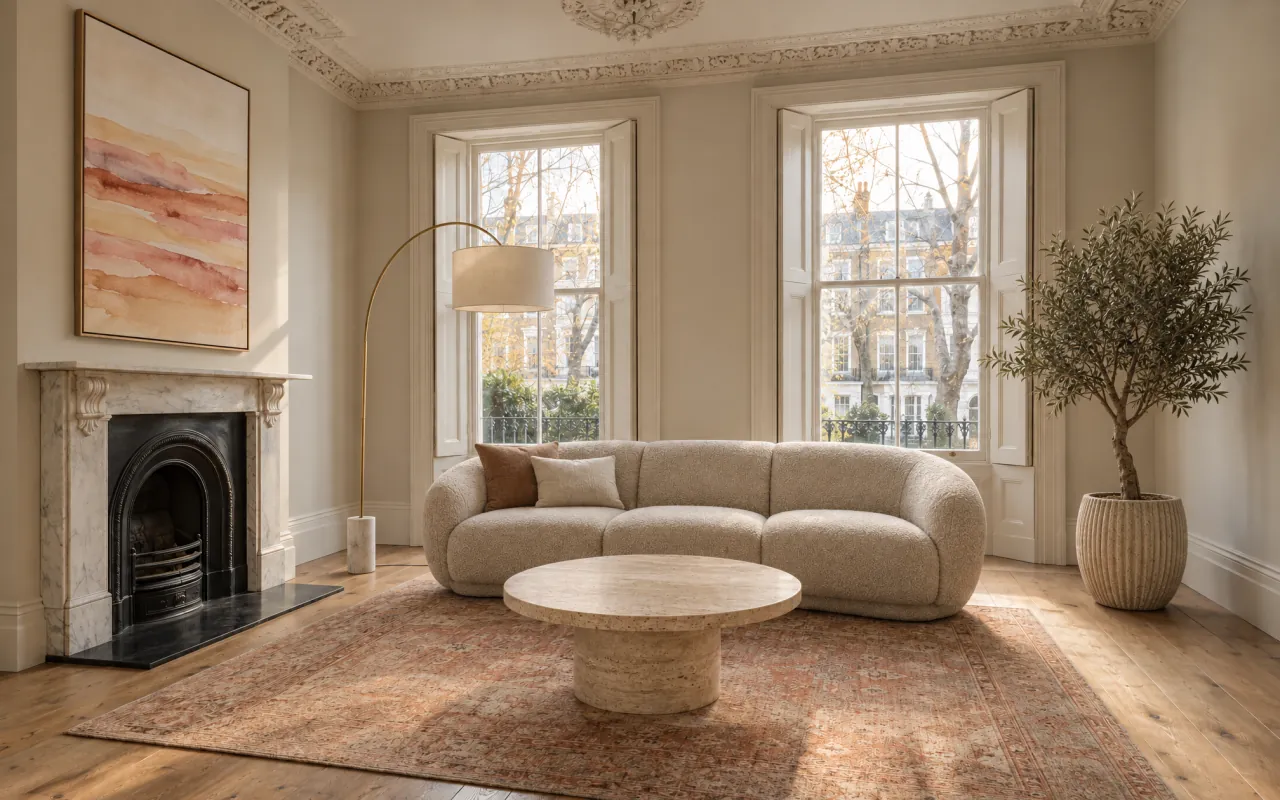
The room they have. The room they could have.
Show a client their own room, then the same room designed — same walls, same windows, same light. Drag the handle to compare.
Six steps. One workflow.
- 01
Choose a style
Pin the client's direction, palette and references to a moodboard that stays beside the project. The moodboard informs; it never overrides measurements.
- 02
Add your room
Survey the room once: photos, dimensions and openings become a structured room record you confirm before design starts.
- 03
Pick products
Product and material references carry supplier, dimension, price and availability fields, each with its own evidence state.
- 04
Build the room
A 2D plan that behaves like a 3D scene: drop, snap and rotate, and pin relationships the render has to respect.
- 05
Render the room
Set the camera like a photographer, then send one structured packet — shell, openings, products, materials, placements, camera — instead of a prompt.
- 06
Present and shop
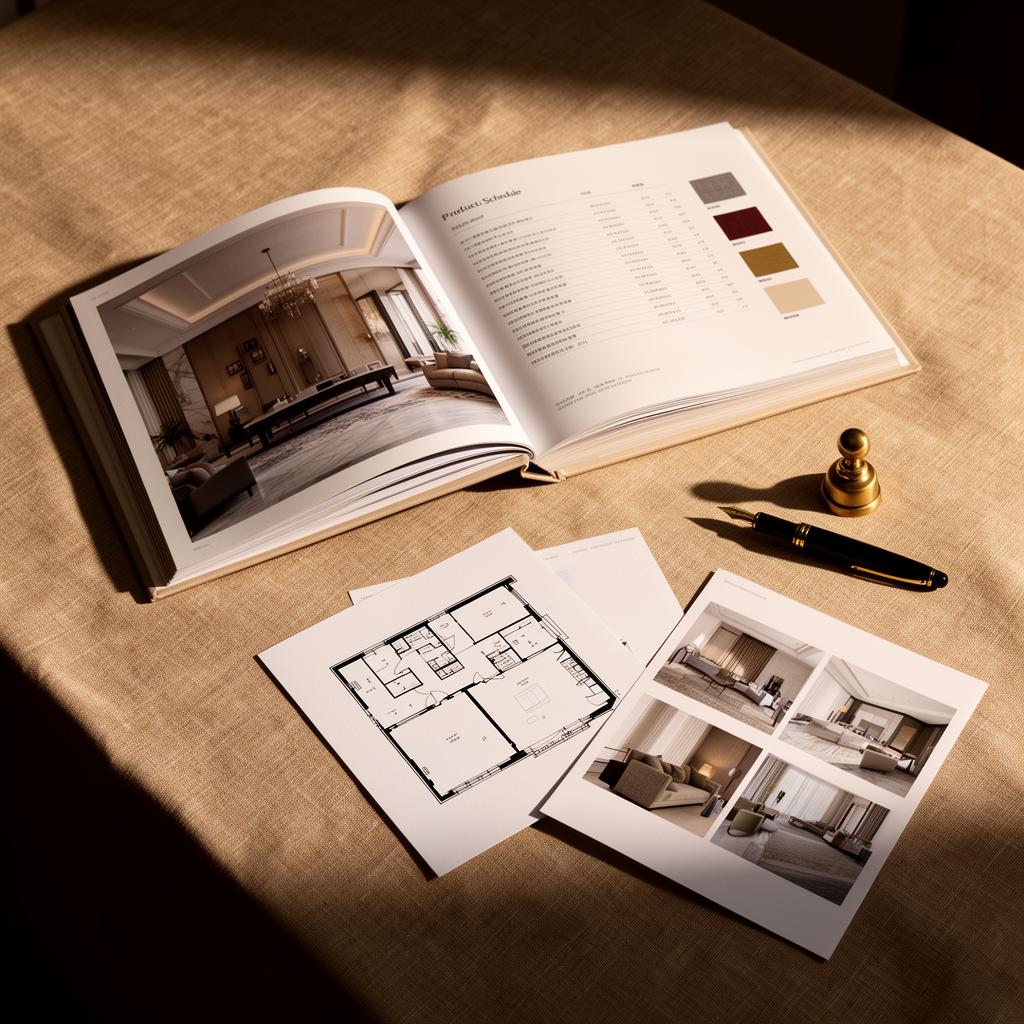
Reviewed renders, the plan and the product schedule come together in one client presentation.
For studios with paying clients.
- Interior designers running residential projects
- Interior architects working on shells and FF&E
- Hospitality designers — hotels, restaurants, lounges
- Multi-family and build-to-rent design directors
- Studios and agencies billing for design hours
Run your own numbers.
Compare what a room visual costs you today — vendor renders, turnaround, revision cycles — with the same room on a Salenna plan.
Project inputs
Estimate your project.
Estimate
of vendor turnaround at your inputs: 12 renders × 5 days each, if they run one after another. Salenna does not publish a render time.
Illustrative comparison only. Enter your own vendor costs and timings. Salenna plan prices come from the published catalogue; actual outcomes vary.
Explore every part of the workflow.
The six-step process
Walk through every step of the survey-to-render workflow.
Product overview
The studio's modules, step by step.
Studio Canvas deep dive
How the relationship-aware canvas thinks.
Render workflow
How a render request carries the whole room.
Savings calculator
Compare against external 3D vendors.
Studio pricing
Free $0. Pro $39 per month billed annually or $49 month to month. Studio $79 per seat per month.
Designing your own home?
The same studio works for one room of your own. Start from one of 10 styles, add your room and build it with products that fit.
Choose a style, place product references in your room and keep source confidence visible. Current retailer links, prices and availability appear only when verified.
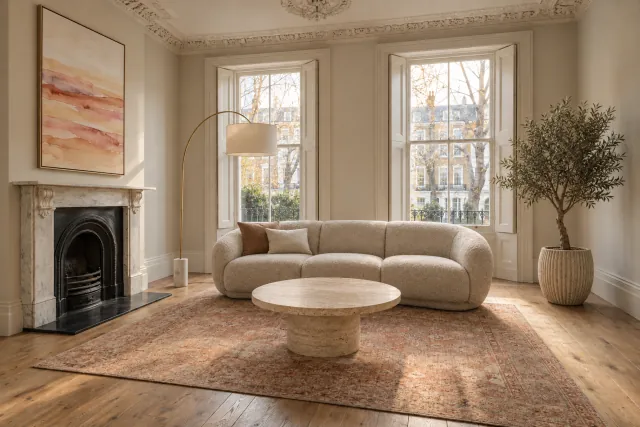
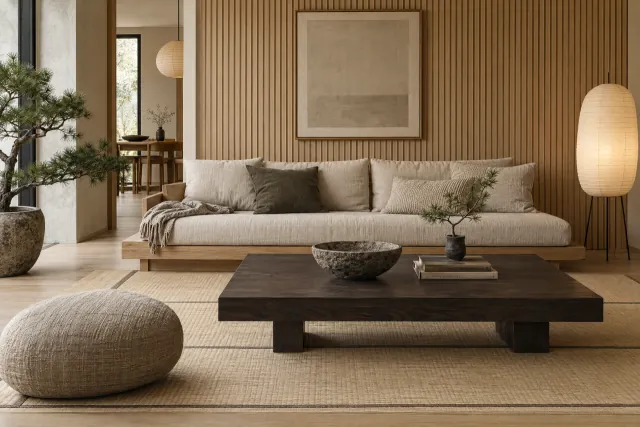
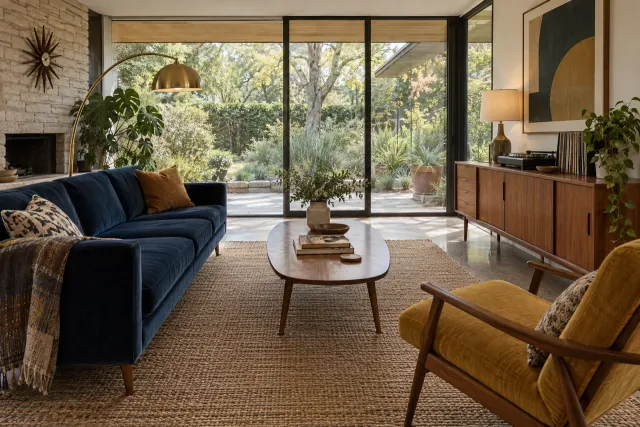
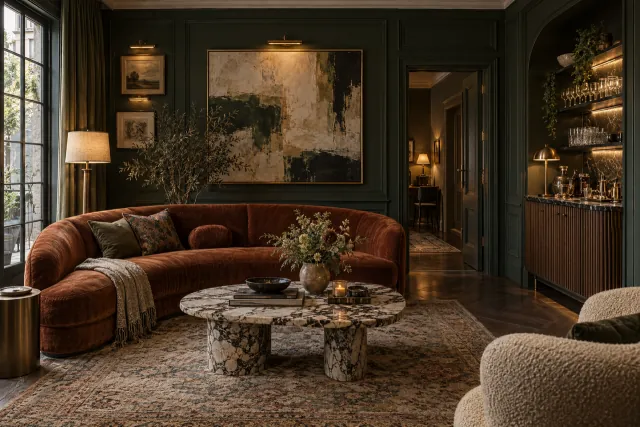
The sample room's products
Sample prices
Travertine Coffee Table, Round
£1,290 · West Elm
Curved Bouclé Sofa, Oat
£2,890 · Wayfair
Vintage Persian Rug
£2,650 · Lulu and Georgia
Brass Arc Floor Lamp
£460 · Made.com
Sienna Field, No. 4
£340 · Etsy
Olive Tree, 1.4 m
£165 · Anthropologie
Sample catalogue. Product links, prices and availability may not be current. Salenna is independent; retailer links go live only when a product match is verified, and some may earn us a commission.
Explore the room design workflow.
See how room measurements and product references come together in one structured design. This public preview does not create accounts or render rooms.
We may earn a commission when you buy through links in a room design. This helps keep the experience accessible.